Dedicated Zones and Shards
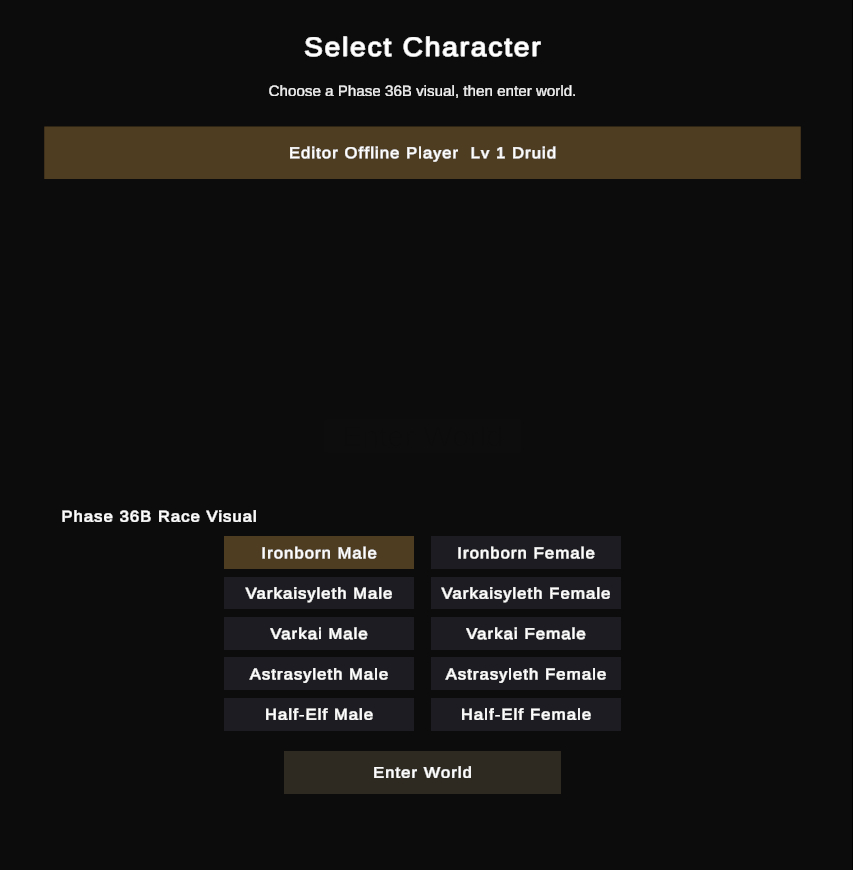
You can now log in, choose a character or create one, and enter the world on a dedicated server.
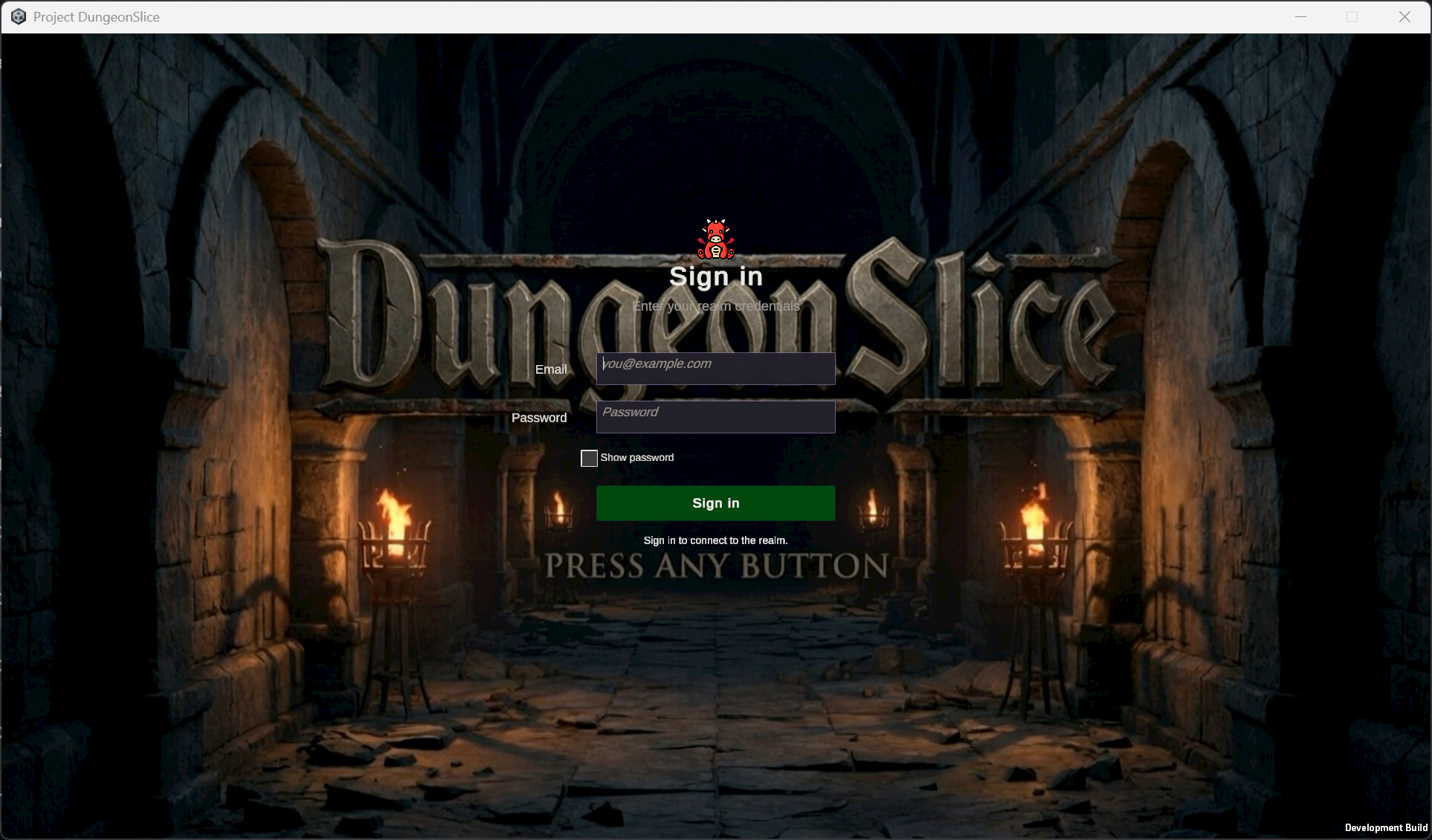
Choosing Enter World loads that character’s saved state into the zone. Combat, rewards, and character saves are handled by the server.
Moving between Shards
The Shards menu is under Options > Session. It shows the population of each copy of the current zone and lets you join an available one.
Changing Shards saves your character and reconnects you to the selected copy of the zone.
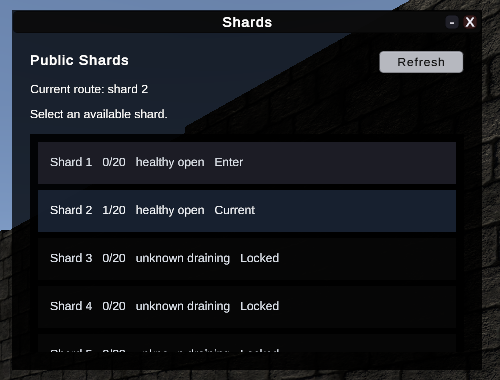
Extra Shards can open as existing copies fill up and close again when empty. Their player limits are configurable. Per-zone tuning is planned so those limits can reflect how much room a zone has, how many spawn points it offers, and how busy it gets.
Private group and raid instances already have access checks and reconnect handling, but their content still needs to be built.
Transfers, reconnects, private-instance access, and recovery after server failures have been tested with packaged clients on the live servers.